Video Interview Checklist: Look Confident on Camera
Lights, Camera, Confidence! A Practical Video Interview Checklist for Job Seekers
Video interviews reward candidates who look and sound prepared—often before the first question is answered. A steady frame, clear audio, and a calm delivery signal confidence fast, even if you’re feeling nervous. Use the checklist below to handle the day before, the hour before, and the moment you join, plus quick confidence techniques and common mistakes to avoid.
What “confidence” looks like on camera
- Calm pace and clear structure: answers that start with the point, then evidence, then a wrap-up.
- Steady eye line: looking at the lens during key moments (greeting, first sentence, final sentence).
- Controlled energy: engaged facial expressions and purposeful gestures within the frame.
- Professional presence: clean audio, stable framing, and lighting that makes the face easy to read.
When these elements are in place, your interviewer spends less time “decoding” the video and more time focusing on what you’re saying. For additional perspective on virtual interview best practices, see guidance from Harvard Business Review and SHRM.
Set your space like a mini studio (without buying new gear)
- Lighting: face a window or lamp; avoid bright backlighting that turns you into a silhouette.
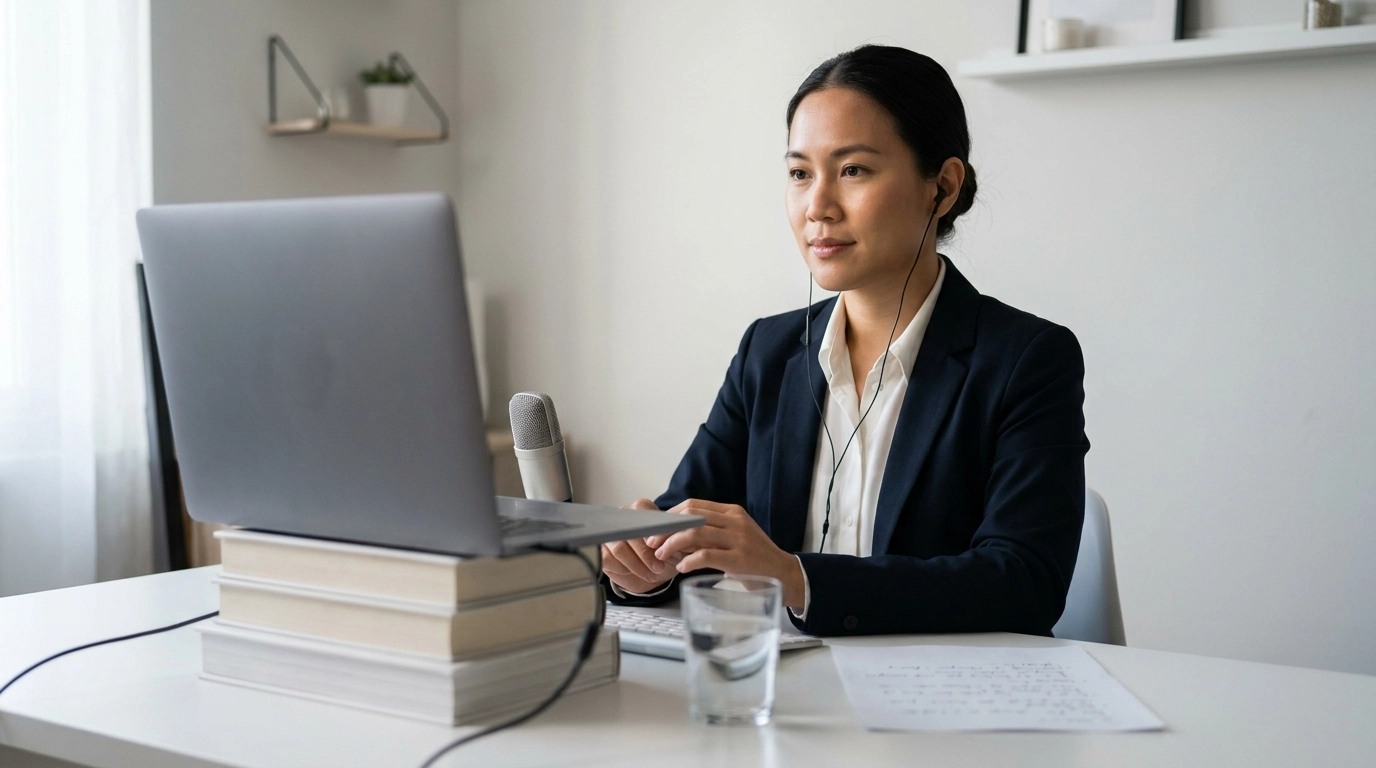
- Camera height: raise the webcam to eye level using books or a stand; keep the horizon straight.
- Background: remove visual clutter; choose a simple wall or tidy shelf with minimal distractions.
- Audio: use wired earbuds or a dedicated mic if available; reduce echo by adding soft furnishings.
- Internet stability: use Ethernet when possible or sit close to the router; pause downloads and streaming.
- Notifications: silence phone, disable desktop pop-ups, and close unused tabs and apps.
Fast setup checks (and what “good” looks like)
| Item | Quick test | Pass criteria | Fix in 2 minutes |
|---|---|---|---|
| Lighting | Turn your head slightly left/right | No harsh shadows; eyes visible | Add a lamp at 45° or face a window |
| Framing | Sit back and place hands on desk | Head and shoulders centered; small headroom | Raise laptop, tilt screen, reposition chair |
| Audio | Record 10 seconds and play back | Voice is clear; minimal echo/hiss | Switch mic input, use earbuds, move away from hard walls |
| Connection | Run a speed test; test call a friend | Stable video; no audio cutting | Move closer to router; Ethernet; restart router if needed |
| Distractions | Scan background and desktop | No sensitive info; no movement behind you | Close doors, tidy frame edges, put a sign on the door |
The day-before checklist: preparation that reduces nerves
- Confirm the basics: time zone, platform link, interviewer names/titles, and expected duration.
- Prepare 6–8 core stories: achievements, conflict, mistake/learning, leadership, collaboration, and problem-solving.
- Build a role-to-proof map: list top requirements and match each to one specific example.
- Draft concise answers: use STAR or CAR format; keep each story to 60–90 seconds.
- Create a “camera-friendly” notes sheet: 5–7 bullets on a single page; no full scripts.
- Plan closing questions: 3–5 thoughtful questions about success metrics, team workflow, and next steps.
- Choose outfit and grooming plan: solid colors; avoid tight stripes; test on camera under your lighting.
If you want a repeatable, printable routine that keeps prep focused, use Lights, Camera, Confidence! – Video Interview Checklist (Digital Download) to run the same steps before every screening and final-round call.
The hour-before checklist: get camera-ready and mentally steady
- Run a full tech rehearsal: open the meeting link early; verify correct mic and camera are selected.
- Warm up voice and face: read a paragraph aloud; do light jaw/neck stretches; hydrate.
- Set your “cheat zone”: place notes just below the lens; keep them short to avoid obvious reading.
- Stabilize your body: feet flat, shoulders down, hands resting on desk; keep gestures within frame.
- Manage nerves with a 60-second reset: inhale 4 seconds, hold 4, exhale 6; repeat 3 times.
- Have a backup plan: phone hotspot ready, platform dial-in number, and a quick message template if tech fails.
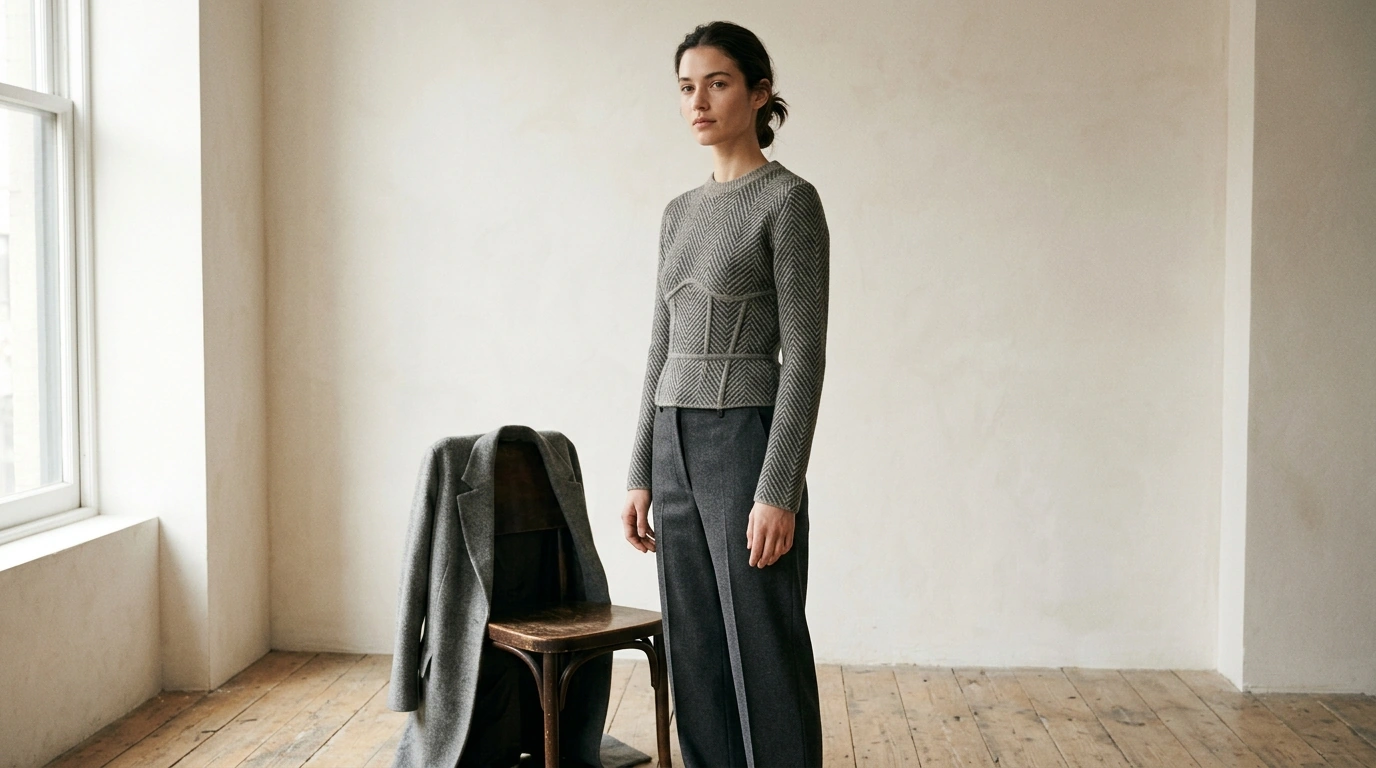
Clothing can quietly boost confidence on camera when it fits well and looks intentional. If you’re refining your interview look, consider Shape-Savvy Style for Triangle Figures: The Ultimate Guide to Dressing Your Triangle Body Shape for practical outfit guidance, and a polished shoe option like Chic Mixed Color Lace-Up Loafers for a professional finish.
During the interview: small behaviors that make you look confident
One simple rule: if you feel your energy spiking, slow down—especially on your first sentence. A calmer pace reads as control, not uncertainty. For more interview preparation resources, browse LinkedIn’s interview guidance.
Common confidence killers (and quick fixes)
Downloadable checklist for a smooth, repeatable routine
Keep it simple and repeatable: when your setup and structure are consistent, your attention goes to listening well and answering clearly. For a ready-to-use version, grab Lights, Camera, Confidence! – Video Interview Checklist (Digital Download).
FAQ
Where should your eyes look in a video interview?
Look into the camera lens when you’re greeting, delivering key points, and closing so your eye contact reads naturally. While listening, look at the interviewer on-screen, then return to the lens for your first and last sentence. Keep notes just below the camera to avoid obvious eye darting.
How can you sound more confident on video even when nervous?
Do a 60-second breathing reset (inhale 4, hold 4, exhale 6) and add a one-breath pause before answering. Speak headline-first (“Yes—here’s an example…”) and practice your stories out loud in 60–90 second versions so your pace stays steady.
What’s the best lighting setup for a video interview at home?
Face a window or place a lamp at a 45° angle in front of you so your eyes and facial expressions are easy to read. Avoid strong backlighting from a bright window behind you, and test for harsh shadows by turning your head slightly left and right.







Leave a comment